
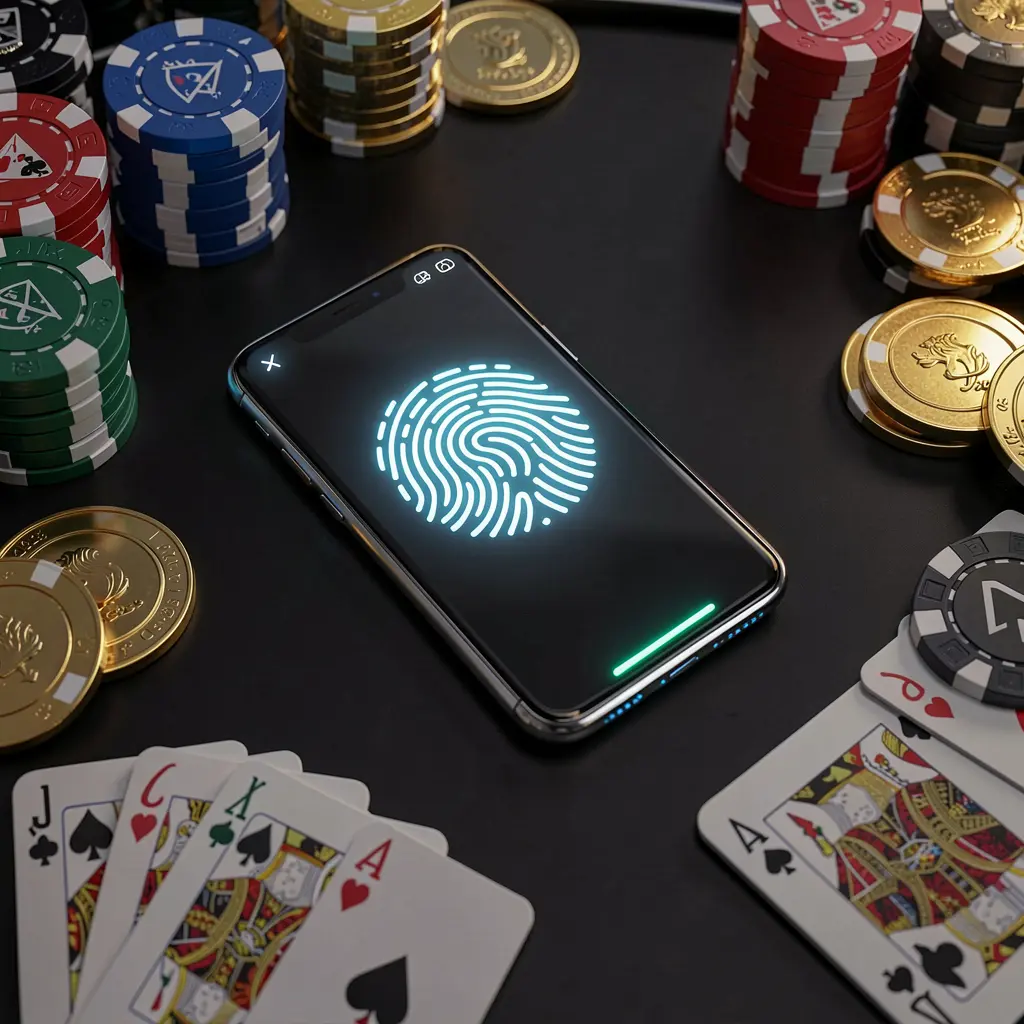
TK866 Login: Secure Account Access
Signing in to TK866 should feel quick and familiar, whether you are using mobile data in Dhaka or Wi-Fi at home. This guide covers login, recovery, security and support.
🔑 How to Log In to TK866
The TK866 login process is straightforward. Open the official platform, find the sign-in area, and use the same details you created during registration.
- Visit the TK866 login page from your browser or app.
- Enter your registered username, email, or mobile number correctly.
- Type your password carefully, checking capital letters and symbols.
- Complete any verification code if the system requests one.
- Tap login and wait for your account dashboard to load.
Avoid saving your password on shared phones, office computers, or public devices. If someone else can unlock that screen, your gaming balance could be at risk.
📝 Creating a New Account
If you are new to TK866, registration usually takes only a few minutes. Prepare a valid Bangladeshi mobile number and choose details you can remember.
- Open the TK866 homepage and select the register option.
- Create a username and set a strong private password.
- Add your active phone number and email address if required.
- Choose BDT as your account currency for Bangladesh payments.
- Verify the OTP, then sign in with your new details.
After logging in for the first time, review payment options such as bKash, Nagad, or Rocket before depositing. Also check bonus terms carefully.
🔒 Password Recovery Steps
Forgetting a password is common, so do not rush into opening another account. A proper reset keeps your wallet, history, and verification details together.
Use the forgot password link on the TK866 login screen. Enter your registered phone number or email, receive the reset code, then create a new password.
If the OTP does not arrive, wait briefly, check message filtering, and confirm you entered the correct number. Support can help when recovery details changed.
📱 Logging In on Mobile
Many players in Bangladesh prefer mobile access because it is faster during travel, breaks, or live matches. TK866 works through browser and app options.
| Method | Best for |
|---|---|
| Mobile browser | Instant access without downloading anything |
| TK866 app | Quicker loading, smoother navigation, useful alerts |
The app can reduce repeated typing and may feel more stable on regular play sessions. Keep it updated so login pages and payment screens work properly.
What if mobile login keeps failing?
Restart the app, clear cached data, switch networks, and confirm your password. If the issue continues, contact support with your username and device model.
🛡️ Account Security Tips
Your TK866 account contains personal details and real funds, so treat login security seriously. Simple habits can prevent most avoidable account problems.
- ✔️ Use a unique password with numbers, symbols, and mixed letters.
- ✔️ Never share OTP codes with strangers, agents, or social pages.
- ✔️ Log out whenever you use a borrowed or public device.
- ✔️ Update your password if you suspect unusual account activity.
- ✔️ Keep your registered phone number active for fast recovery.
Be careful with unofficial links sent through Facebook, Telegram, or SMS. Always type the TK866 address yourself or use a trusted saved bookmark.
🛟 Login Help & Support
If you cannot access TK866 after trying the basic fixes, live support is usually the quickest route. Prepare your username and registered contact details first.
Explain the exact error message, device type, and whether you recently changed your password or phone number. Clear information helps support resolve login issues faster.
Final Word
TK866 login is simple once your details are correct and your device is secure. Use official access points, protect your OTP, and update credentials when needed.
Play responsibly. TK866 is intended for adults aged 18 and above. Set limits, avoid chasing losses, and treat gambling as entertainment, not income.
Frequently Asked Questions
Why can’t I log in to my TK866 account?
Check your username, password, and internet connection first. If everything looks correct, use password recovery or contact live support for account verification.
Can I access TK866 from more than one device?
Yes, you can sign in from different devices, but avoid leaving your account open on phones or computers that other people use.
How do I reset my TK866 password?
Select forgot password on the login page, enter your registered phone or email, verify the code, and create a new secure password.
Is the TK866 app required for login?
No. You can log in through a mobile browser, although the app may offer faster loading and a smoother regular-use experience.
How can I keep my TK866 login safe?
Use a strong unique password, never share OTP codes, avoid unofficial links, and log out when using any device that is not yours.